One photo.
That's the whole setup.
Talking avatars, photos that turn into video, restyled images — it's all in one app. No parameters to learn: pick a look and go.
Free to start, no sign-up. Free runs every day.
Start anywhere
Add a photo, pick a voice, write a line. It starts talking.

Turn a still into a clip, or start from a single sentence.

Describe the shot you want, or drop in a reference to edit.

Real outputs, not mockups
Every clip and every pair below came out of the app — same tools you get on the free tier. Drag the sliders.
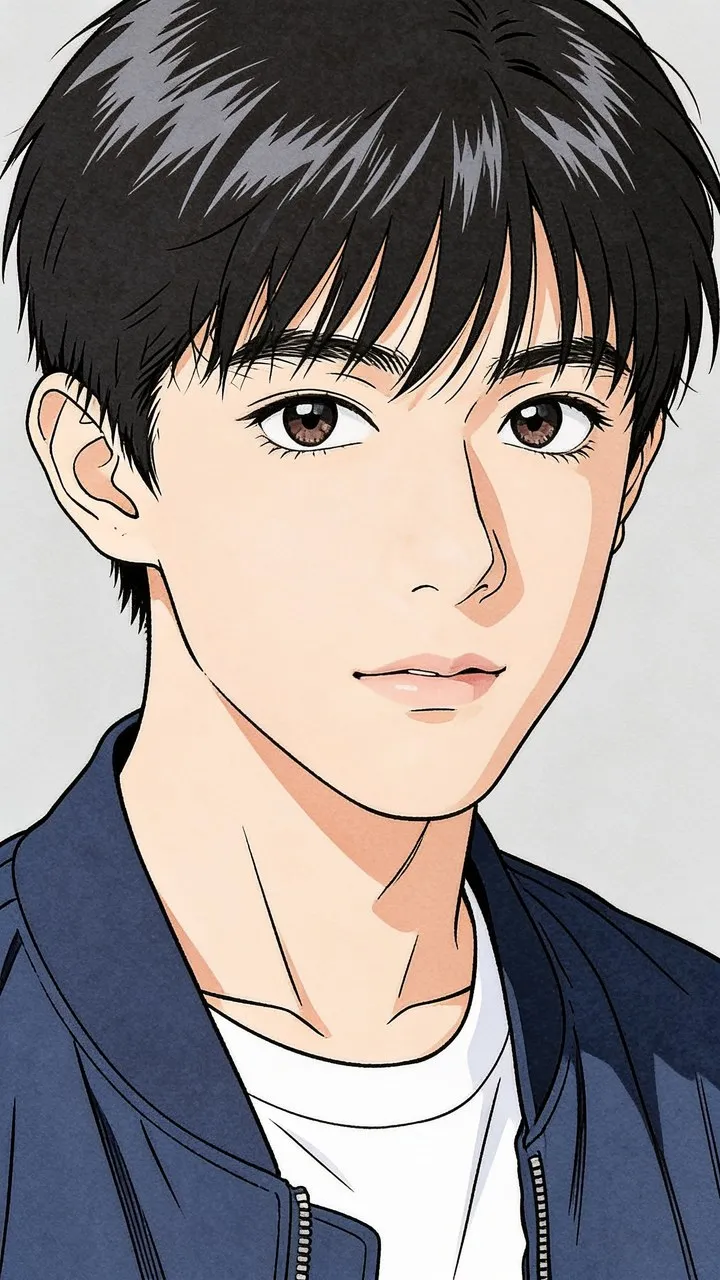
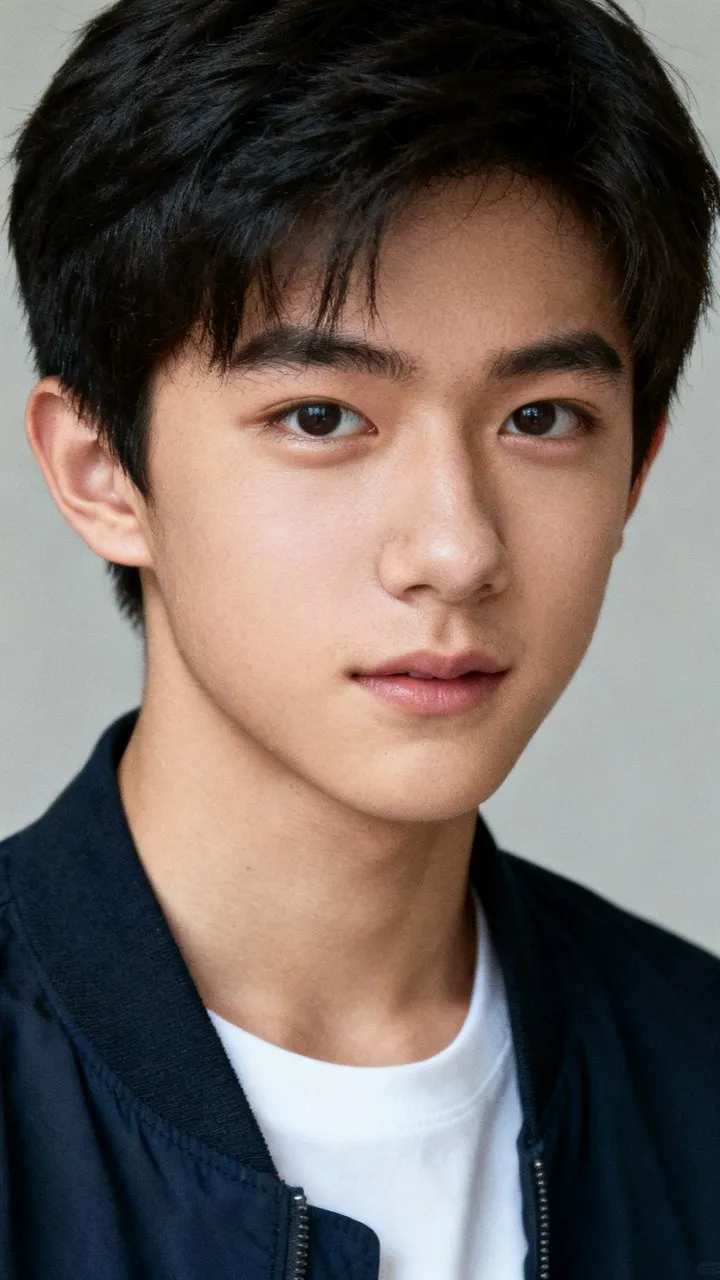
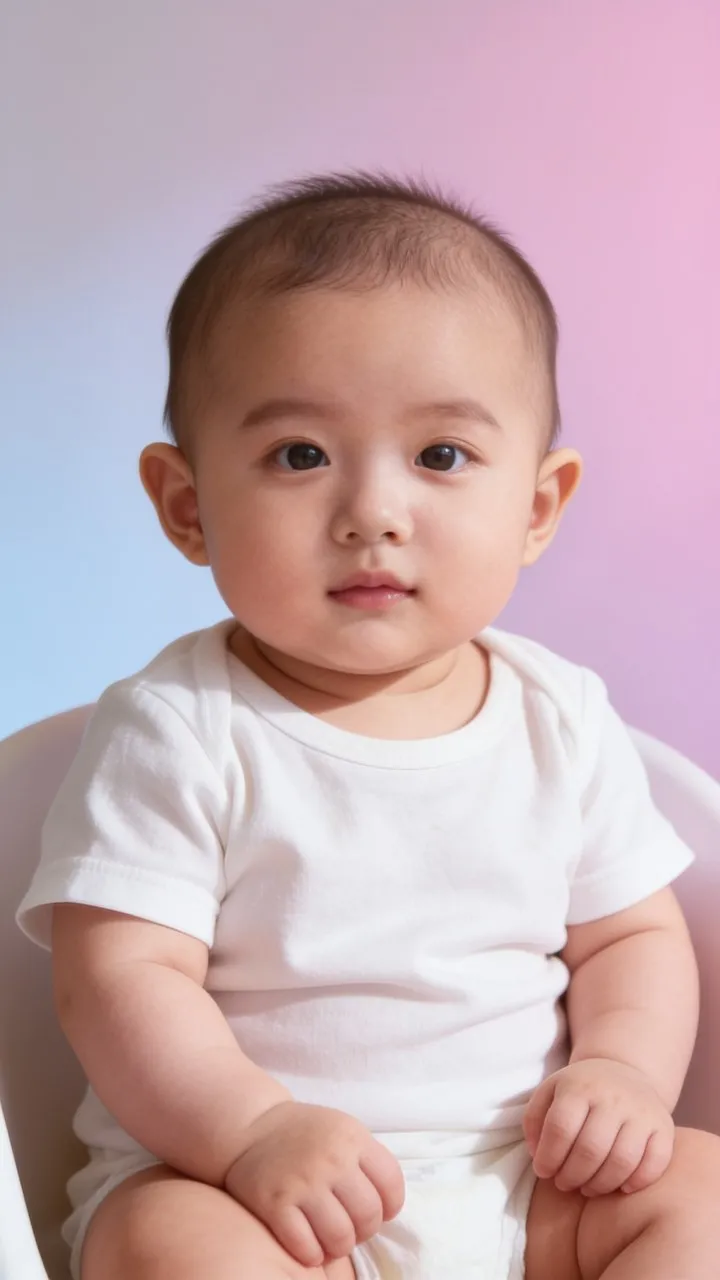
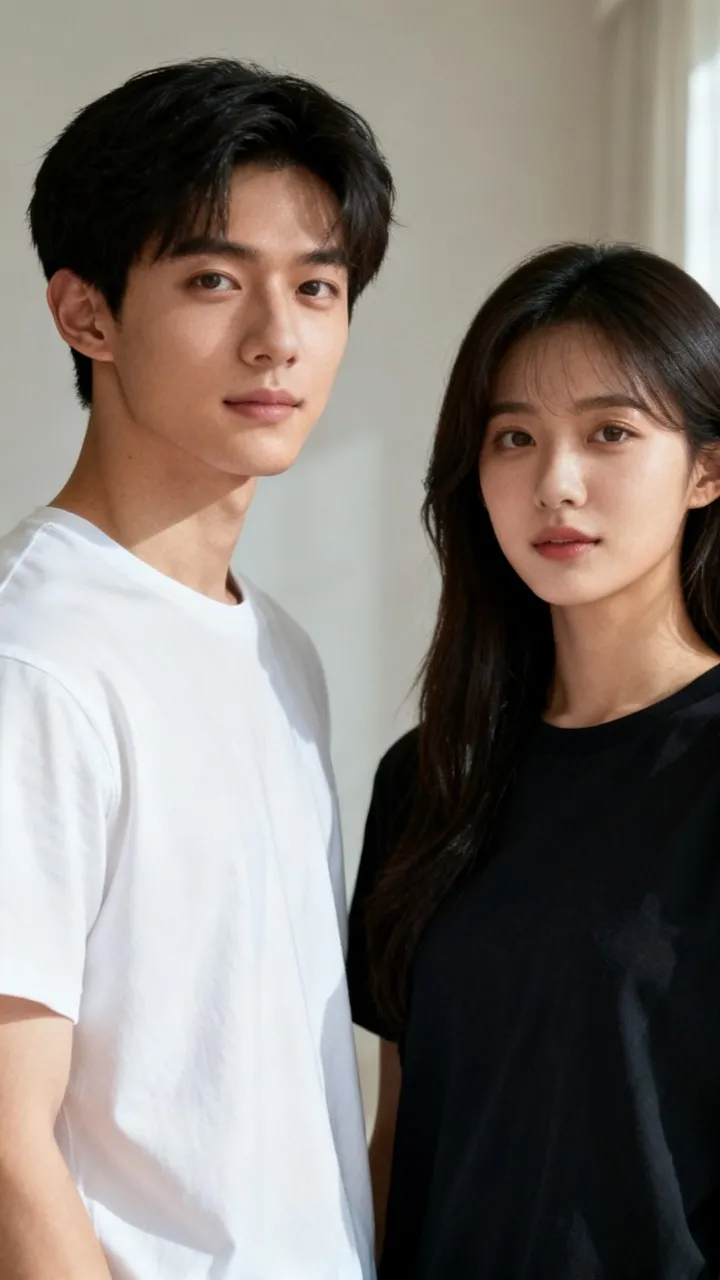
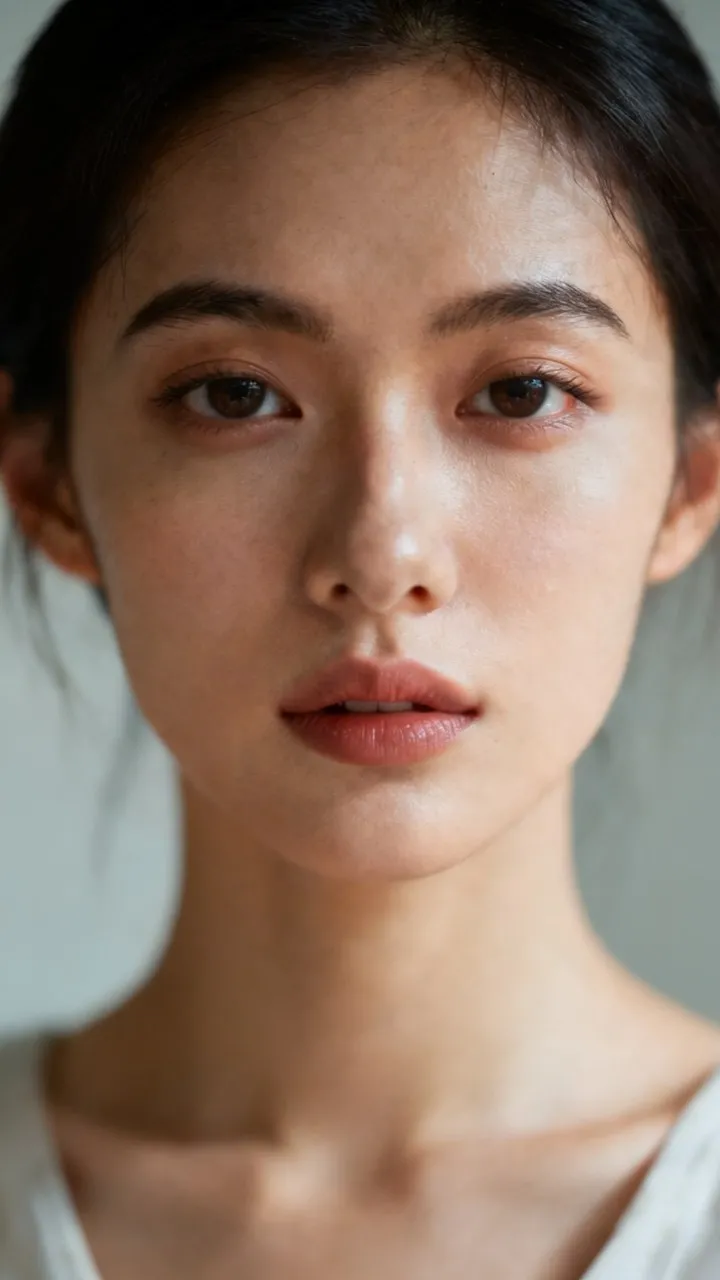
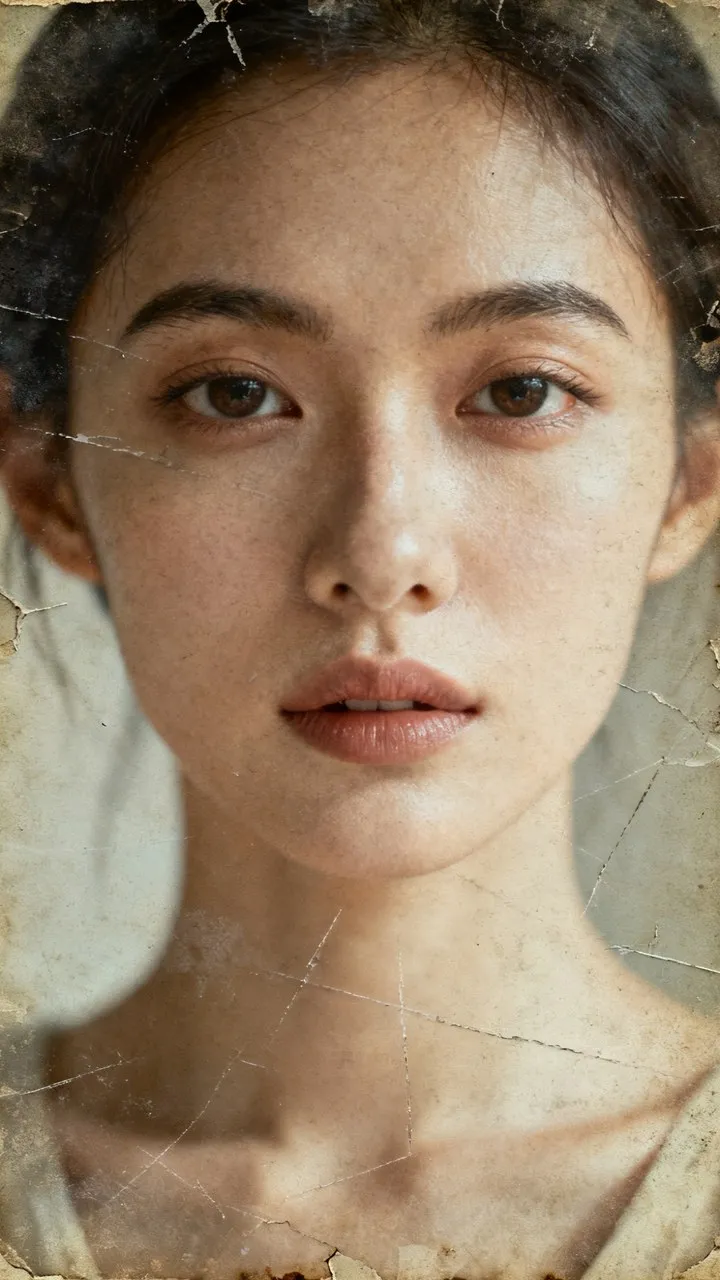
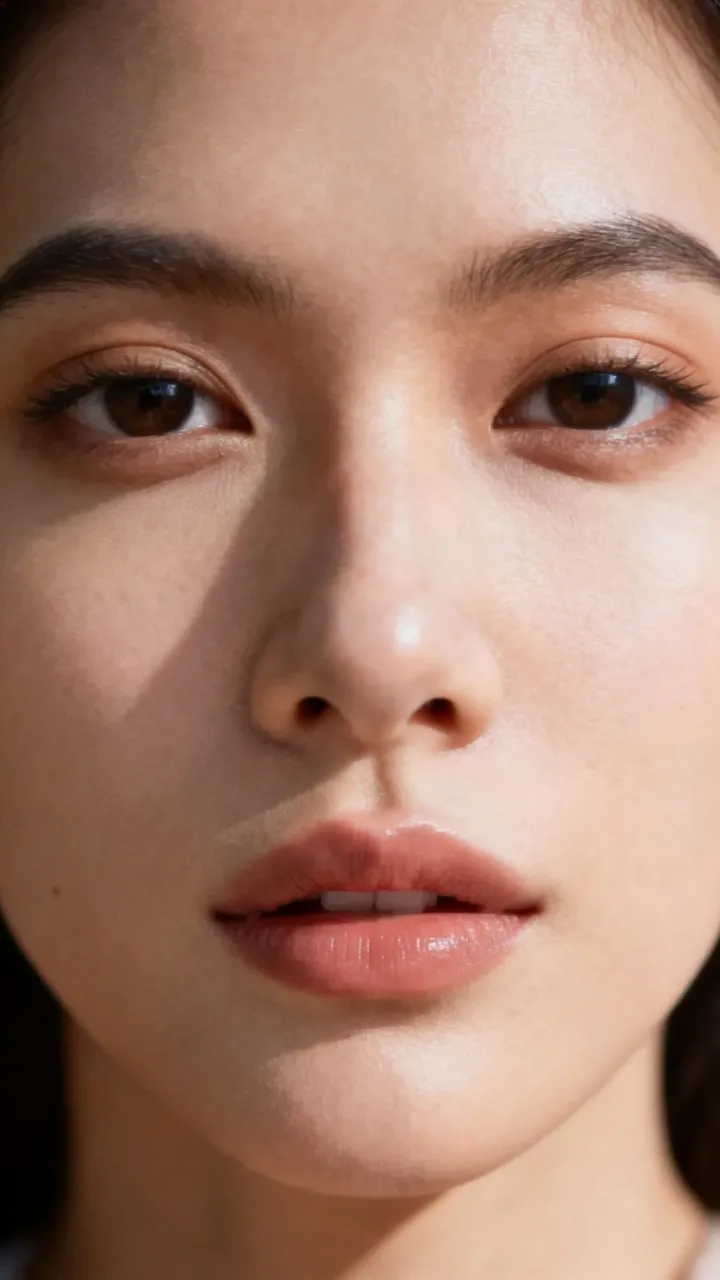
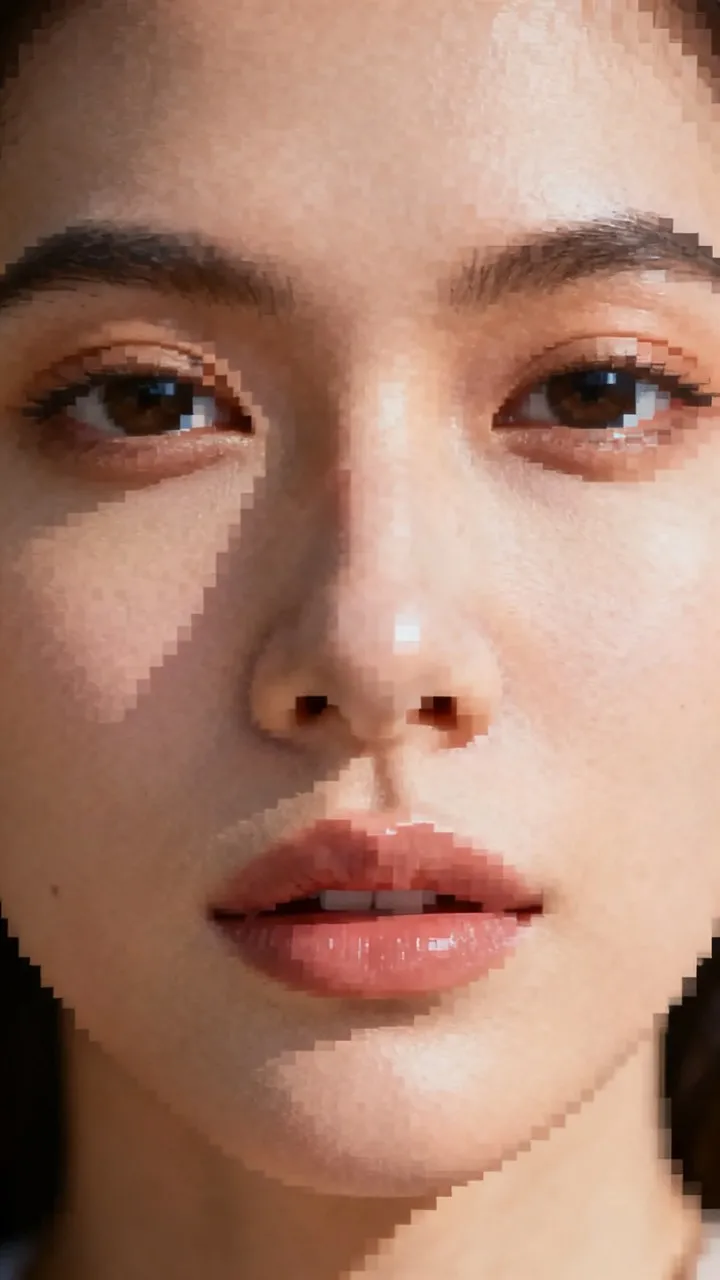
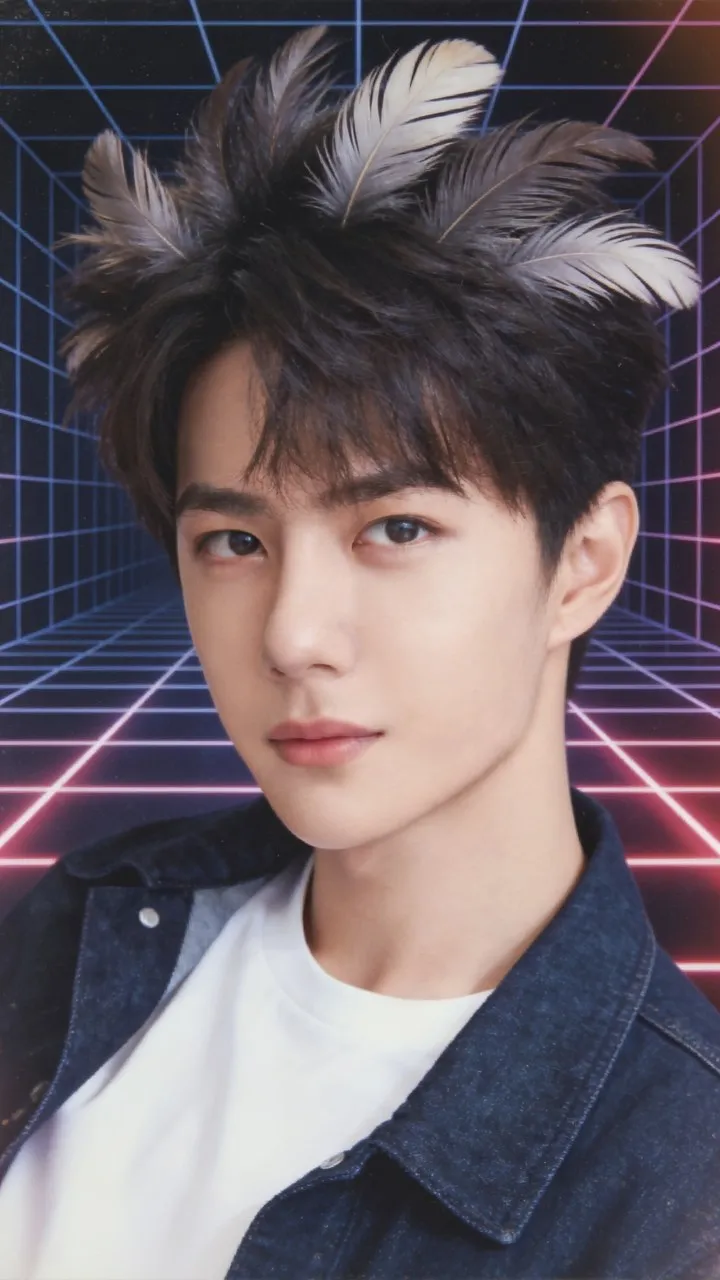
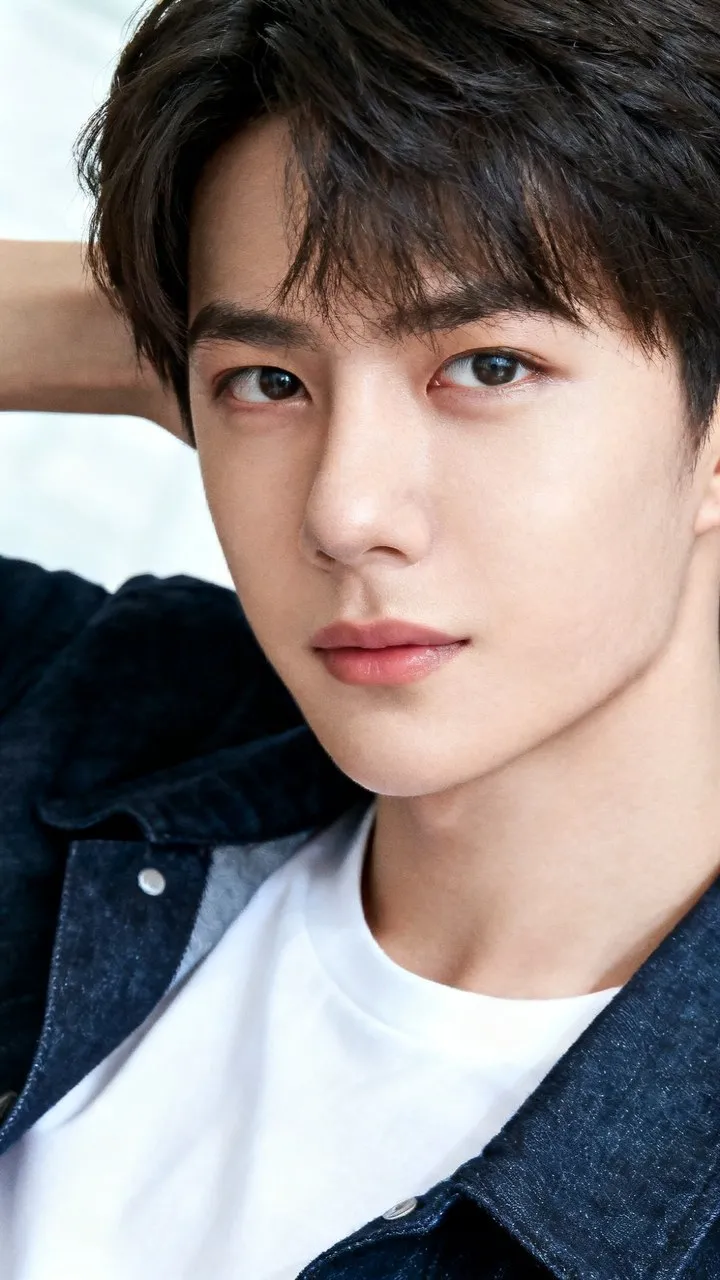
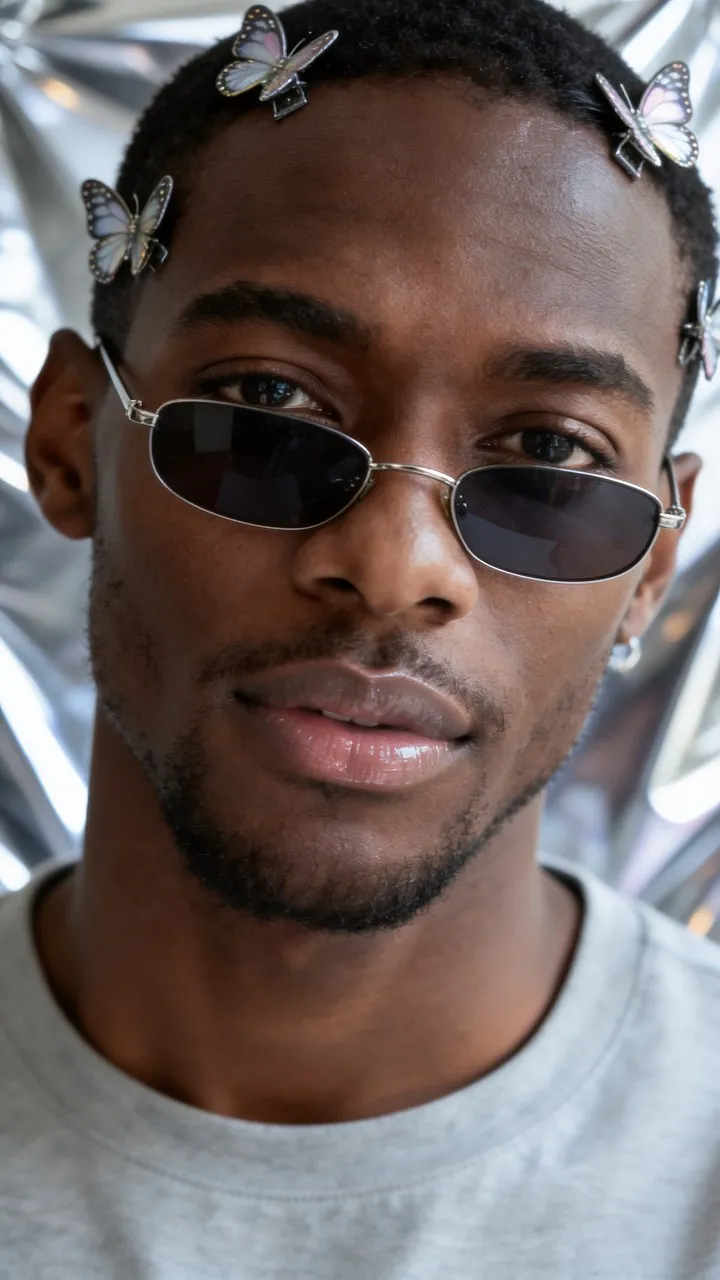
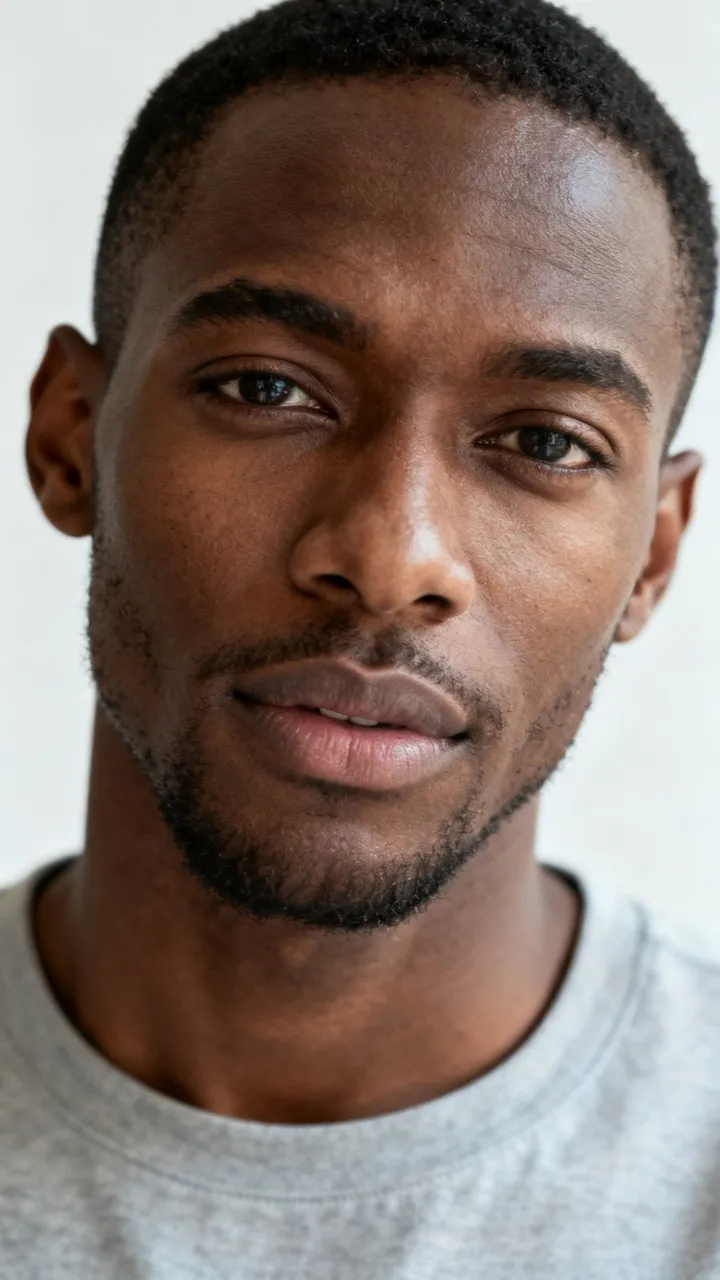
22 tools, and counting
New tools ship from the server — you get them without updating the app.
 AI style filter
 Motion mimic new
 Enhance hd
 AI effects
 Pet video
 Podcast
 Remove background
 Music studio
 Text to video
 Face swap sing new
 AI album new
 Movie MV new
 Portrait retouch
 Remove text new
 News video
 Product video
 FX filter sing
 Spoof video
 Cartoonify
 Smile effect
 AI erase new
 Beautify
Three steps. There is no fourth.
Pick your material
A selfie, a clip — or nothing at all, just a sentence.
Choose a look
22 tools, hundreds of templates. The settings come preset.
Let it cook
Runs in the background and pings you. Failures refund automatically.
Make as much as you want
The free tier gives you runs every day, which is plenty for a habit. Upgrade when you're hooked.
Prices show in your local currency. Renews automatically, cancel anytime — in your app store, not by deleting the app.
What Pro unlocks
- Create without limits, everything unlocked
- Faster generation, multiple jobs at once
- Avatar videos up to 3 minutes
- HD exports, no visible watermark
- 5 bonus credits every week
- Daily free runs on every premium tool
A few things we won't do
Creative AI is easy to misuse. These are our limits — stated here and enforced in the product, not just written down.
The AI mark stays on
Every output carries an identifying mark. Pro hides the visible badge; the embedded watermark and metadata stay. Several jurisdictions require AI content to be identifiable.
Checked in three places
Your uploads, your prompts and the finished result all pass through moderation. Minors, real public figures and adult content are blocked.
Clone only your own voice
Before cloning, you confirm the recording is yours. We keep that consent on record, and a cloned voice is never offered to anyone else.
Erasing text is not watermark removal
Remove text and AI erase are for tidying your own material — not for stripping someone else's watermark.
The full rules are in our Content Policy.
Questions people actually ask
Is Poze free?
Do I need an account to try it?
Do you train AI models on my photos?
Can I use what I make commercially?
What happens if a generation fails?
Is there an iPhone version?
How do I cancel Pro?
More in Support — credits, accounts, billing and reporting.
Give it a go
Free to start, no account needed. Play first, decide later.
Android is live. iOS is in review.